
Make Kitty look like Xfce Terminal
I love Xfce. In fact, Xfce is the reason I am still using X11, despite being one of Wayland’s earliest contributors. But two weeks ago I made the switch from Xfce4-Terminal to Kitty.
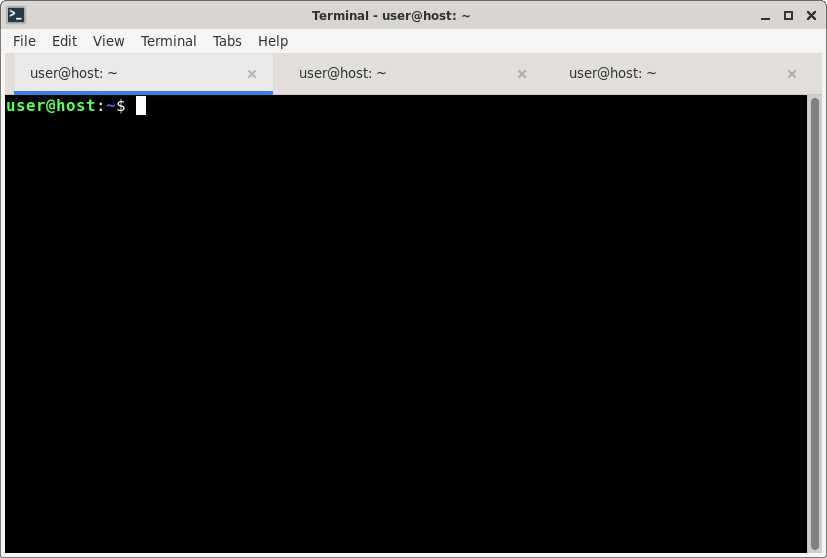
Kitty is… “opinionated” in certain regards, but surprisingly standards conformant. The “kitten” program that bundles all the “built-in” functionality of this terminal emulator allows for amazing customizability. And yet, if you just start kitty, it looks, well, a bit rough to someone with two decades of Xfce4-Terminal socialization:
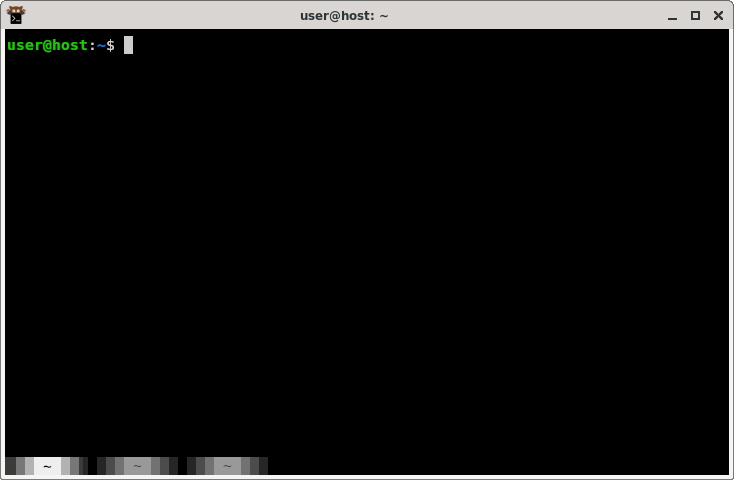
In this article I will list the configuration settings that I use to make kitty more familiar and maybe one or two other Xfce expats might find them useful, too.
Generating a new config
Kitty stores its config file at ~/.config/kitty/kitty.conf. This file does
not exist by default. If you start kitty and press Ctrl+Shift+F2, an
extensively annotated default config file will be generated and opened in your
favorite text editor. Use that as your base.
Font size
Kitty defaults to 11pt. Maybe it’s just me and age taking a toll on my eyes, but I need at least 12pt to read comfortably:
font_size 12.0
Tab bar
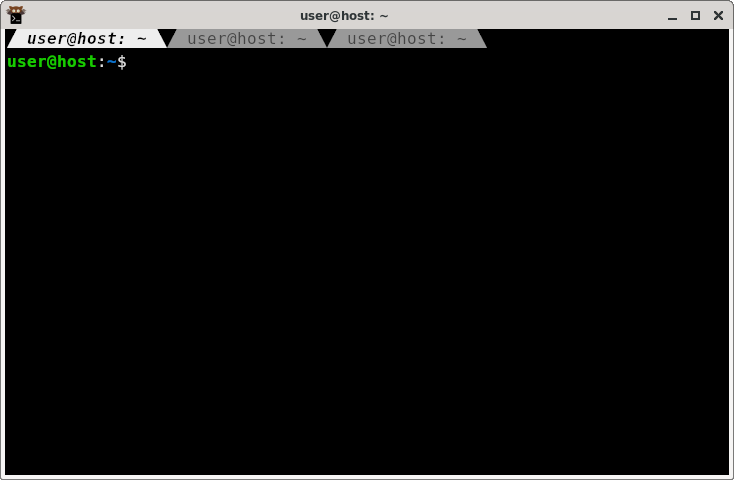
I want my tab bar at the top, and looking more like actual tabs:
tab_bar_edge top
tab_bar_style slant
I also have taken a liking to having the tab bar always visible, even if there is only one tab:
tab_bar_min_tabs 1
And while we are at it, don’t overwrite the tab title by default:
shell_integration no-title
New tabs in current directory
map kitty_mod+enter launch --cwd=current --location=vsplit
map kitty_mod+t new_tab_with_cwd
Scroll bar
I want the scroll bar to be always visible, not only on mouse-over or scrolling, and I like it a little bit wider, say a full display cell instead of the default half:
scrollbar always
scrollbar_width 1
Next and previous tabs
Kitty defaults to Ctrl+Tab and Ctrl+Shift+Tab for cycling through tabs. I
have built a lot of muscle-memory for Ctrl+PgUp and Ctrl+PgDn over the
years, so let’s add these bindings:
map ctrl+page_down next_tab
map ctrl+page_up previous_tab
Sound
Pet peeve. I don’t want any “bing”, “boing”, “wush”, “shwich” or “dong” in my terminal. Draw a little bell emoji in the tab title if you need my attention:
bell_on_tab "🔔 "
enable_audio_bell no
Bonus: 🇩🇪-friendly window switching
Kitty comes with built-in window support, effectively tmux but with support from
the terminal emulator, and it’s awesome. Only fly in the ointment: Cycling
between the windows is mapped to Ctrl+[ and Ctrl+], which on a German
keyboard are mapped behind AltGr+8 and AltGr+9, making the combo awkward.
I have remapped this to Alt+Left and Alt+Right:
map alt+left previous_window
map alt+right next_window